Open a terminal in one click
The terminal opens in its own small window, so you can keep the dashboard next to it. If you would rather use your own computer, download the key and connect over SSH.

What you can do with a ZaRHost server.
The terminal opens in its own small window, so you can keep the dashboard next to it. If you would rather use your own computer, download the key and connect over SSH.
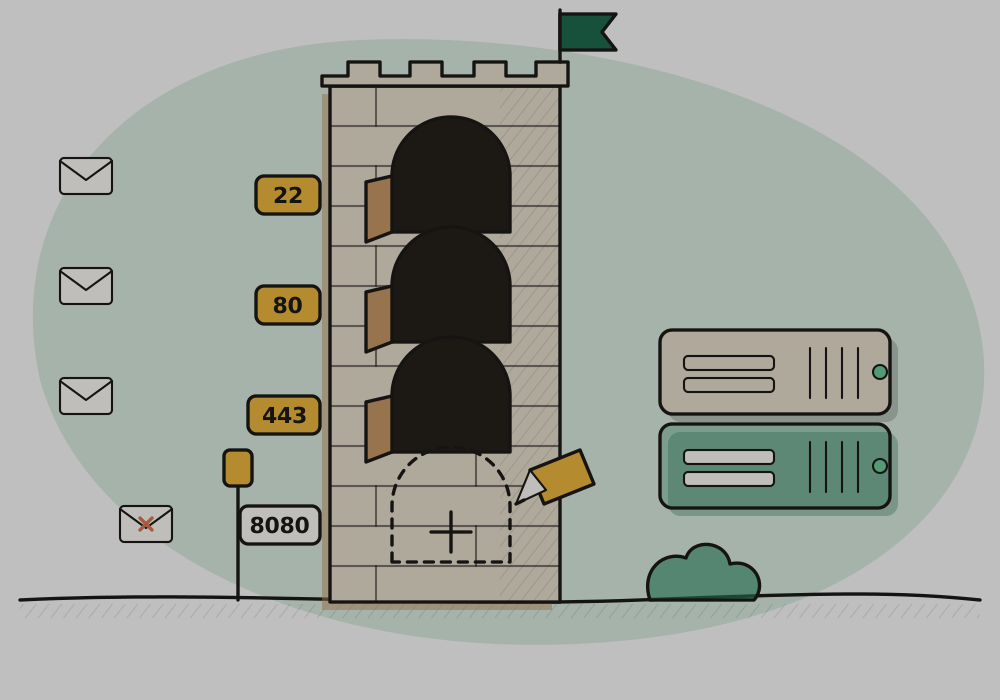
A new server starts with SSH, HTTP and HTTPS open. Need another port for your app? Open it from the Firewall tab, limit it to your own address if you like, and close it when you are done.
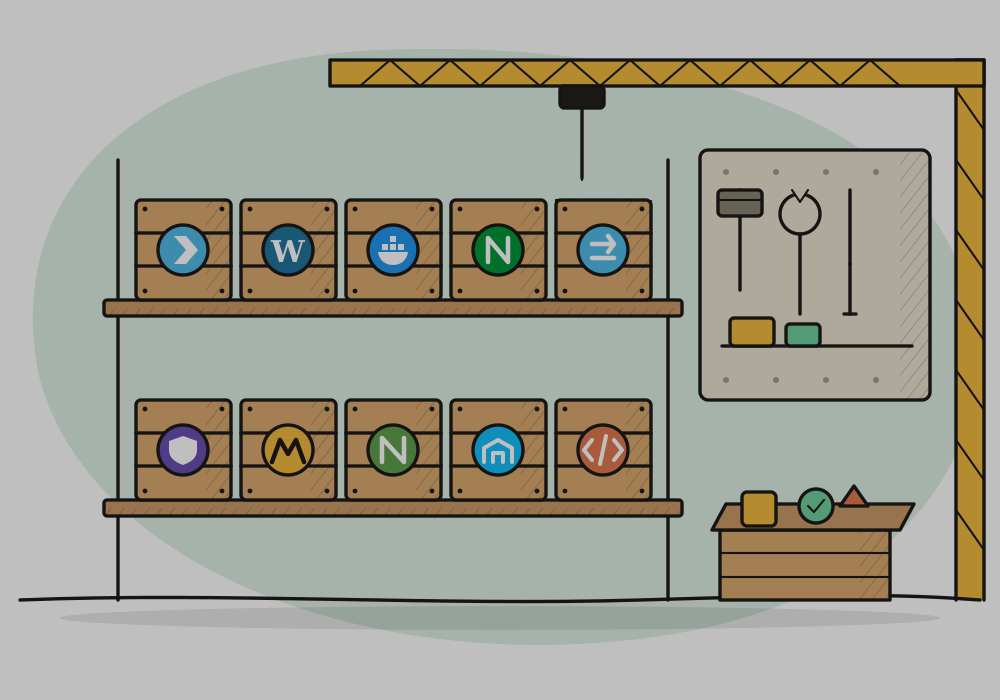
Nginx, Docker, Node.js, Fail2ban, LAMP and Portainer install straight onto your server. Plesk and WordPress are on the way.
A site, a shop or an app, on a server you control.
The services behind your mobile app.
Your data on its own server, with room to grow.
Make a copy of your setup, try your changes, then delete it.
Signing up takes a minute, and so does starting a server.